Tip
Collapse the Safari Toolbar for More Screen Space
Safari's toolbar auto-hides when you scroll down a page, but it pops right back when you scroll up — often pushing content around and getting in the way.
There's a better option: collapse the toolbar manually so it stays hidden until you explicitly tap on it.
How to do it
- Tap the page menu button — it's the small icon to the left of the address bar that looks like stacked lines

- In the menu that appears, tap Hide Toolbar
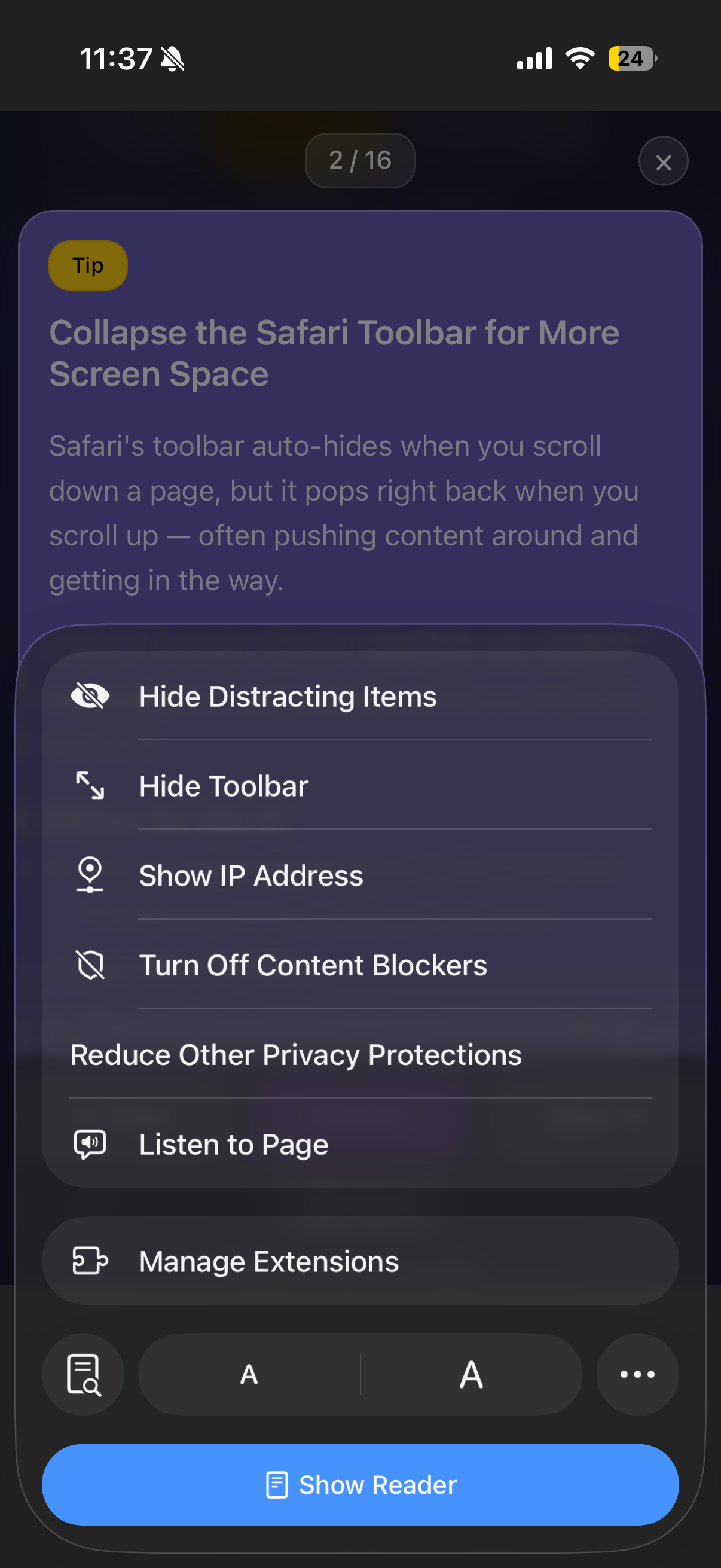
- If you don't see it right away, check behind the ••• (more) button — it may be tucked in there
- The toolbar collapses to a minimal floating bar at the bottom
Getting it back
When you need the toolbar again, just tap the collapsed mini bar at the bottom of the screen. It expands back to full size.
Why this is useful
- Reading long articles — no toolbar jumping in and out as you scroll
- Viewing media — more screen real estate for photos and videos
- Sites with sticky headers — prevents the toolbar from fighting with the site's own navigation
- Any time the auto-show behavior is annoying — and let's be honest, that's often