Tip
Hold the Period Key to Pick an Email Domain
When typing an email address or URL on your iPhone, you don't have to spell out .com or .net manually — just hold down the period key.
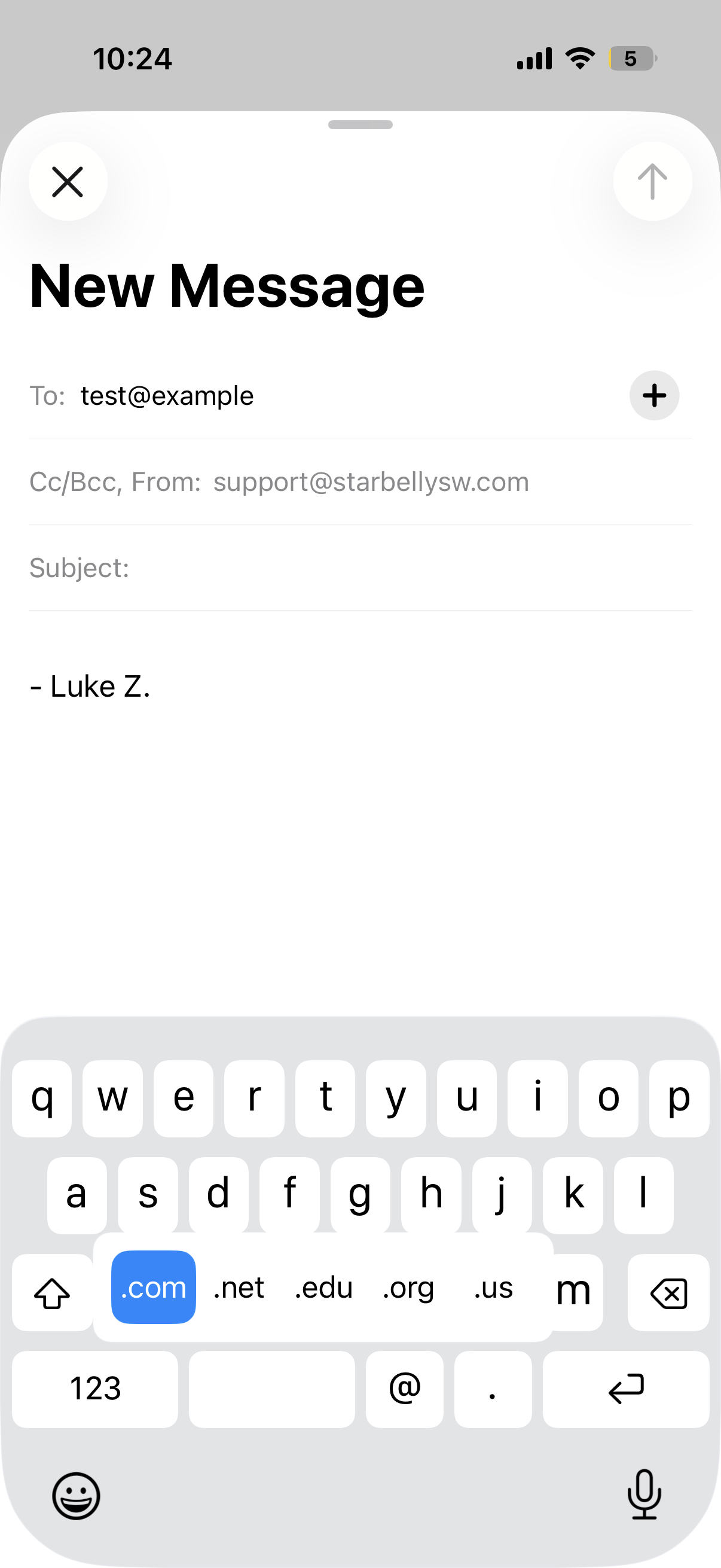
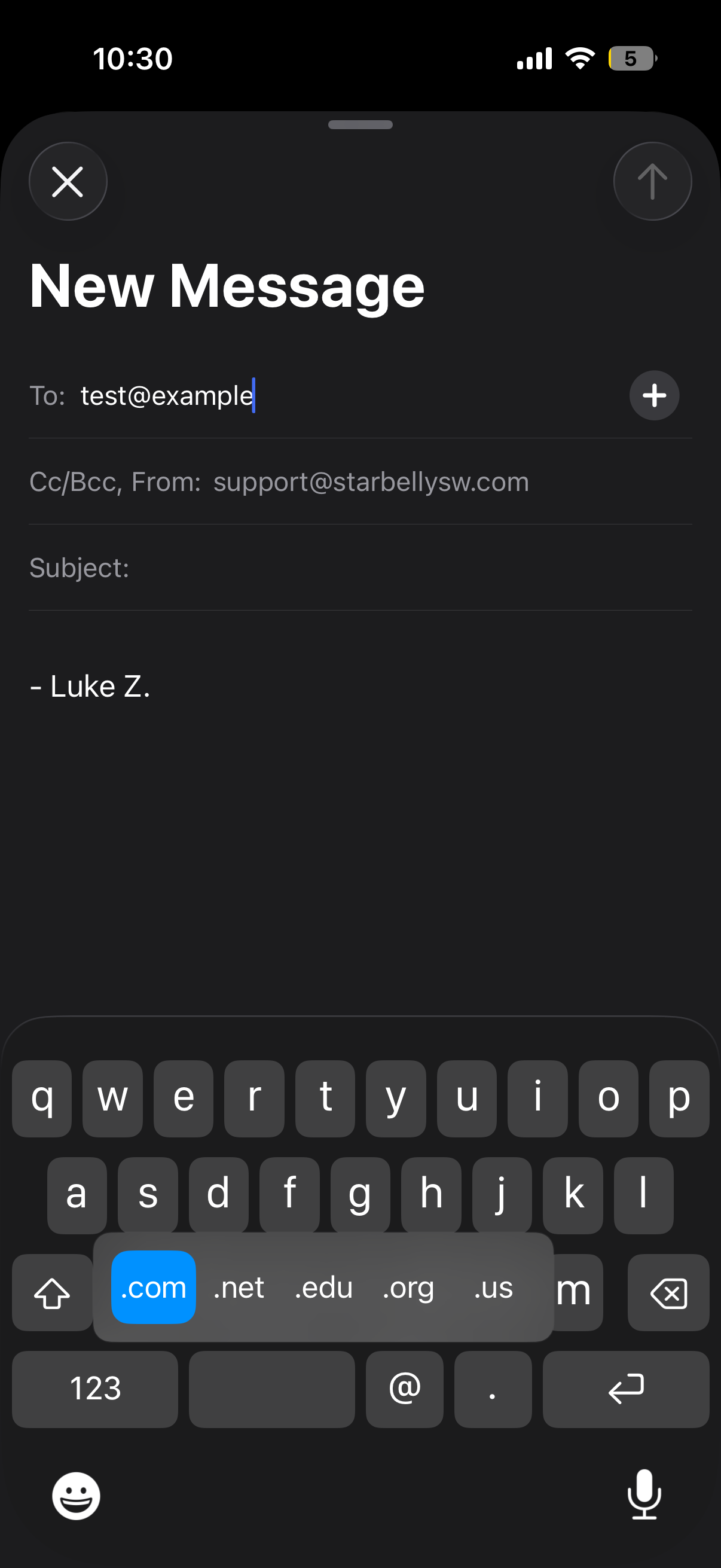
Touch and hold the . key and a small popup appears with common top-level domains. Slide your finger to the one you want — .com, .org, whatever — then let go to insert it.
Where it works
This only activates in fields iOS recognizes as email or URL inputs, like:
- The address bar in Safari
- Email and website fields in Contacts
- The To, CC, and BCC fields in Mail
- Login forms with an email-type field
It won't appear in a regular text field like a Notes document or an iMessage.
Good to know
- The available domains vary by your region — you might see
.co.uk,.de, or.fralongside the standard options - Adding foreign-language keyboards to your iPhone can unlock even more domain choices
- This has been around since iOS 7, so it works on every modern iPhone and iPad
For more details, see Apple's guide to typing with the onscreen keyboard on iPhone.