Screen Unknown Callers with Ask Reason for Calling
iOS 26 adds a call-screening feature that intercepts unknown numbers before your phone ever rings. The caller hears a prompt asking them to state their name and reason for calling. Their response is transcribed in real time on your screen, and you decide whether to pick up.
Spam callers and robocalls almost universally hang up — they don't expect to be screened.
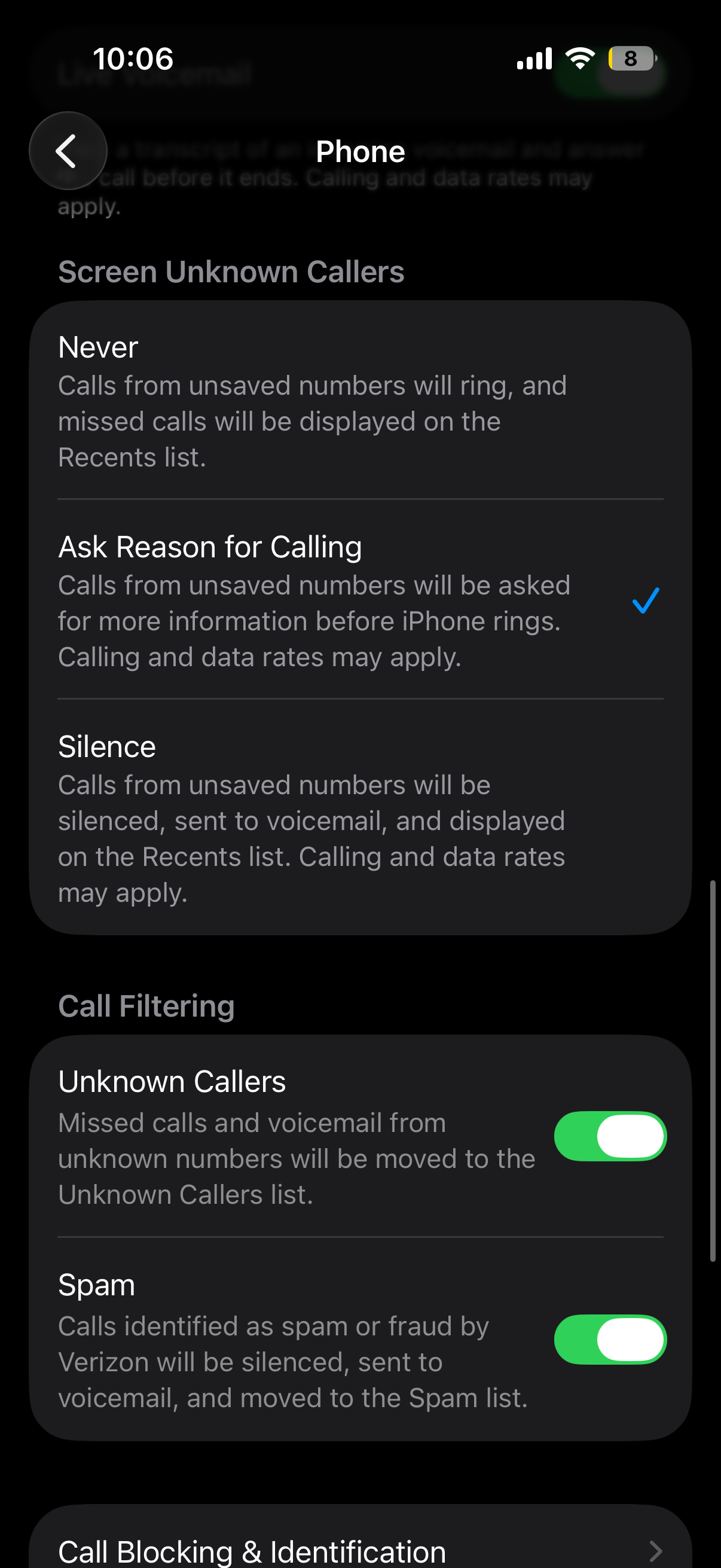
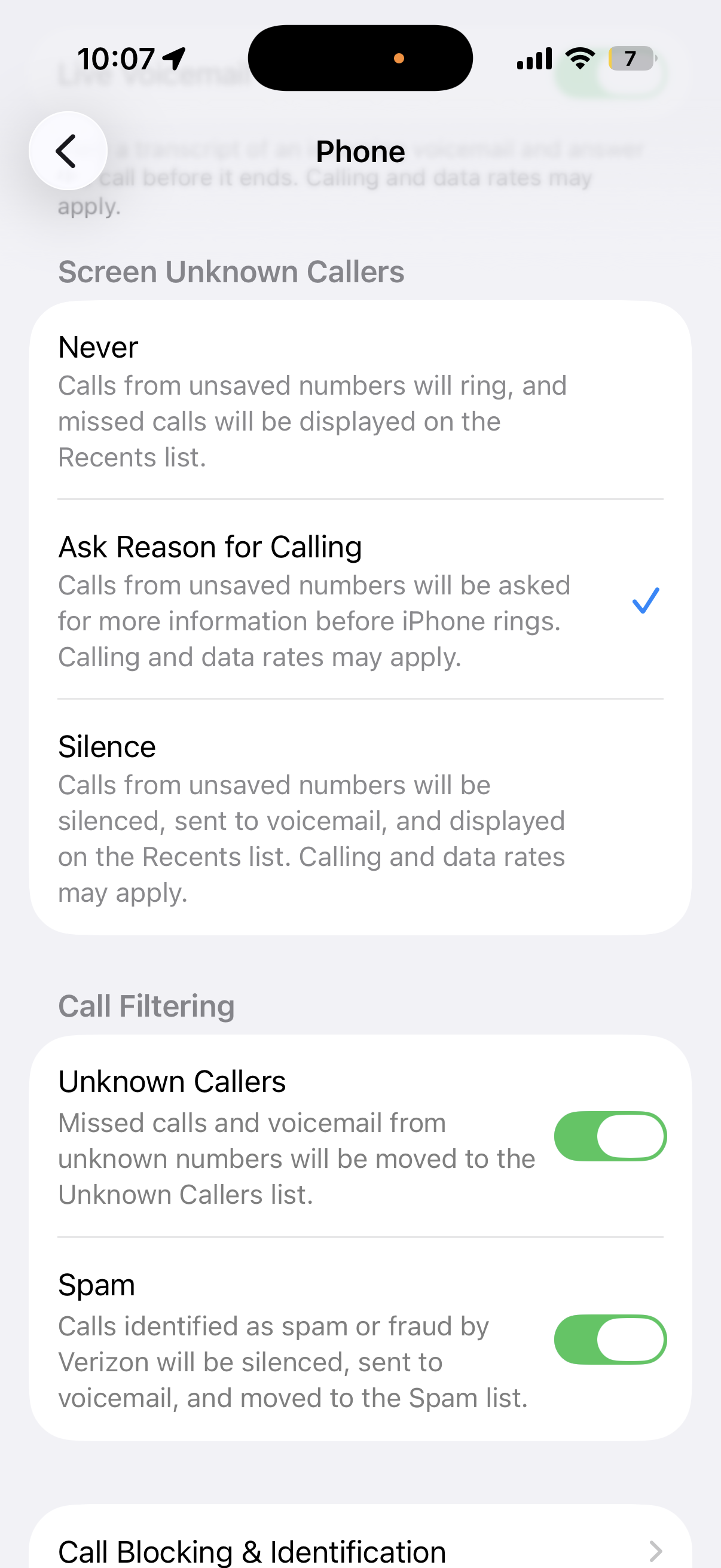
Turn it on
Settings → Apps → Phone → Screen Unknown Callers → Ask Reason for Calling
The three options under Screen Unknown Callers are:
- Never — every call rings through normally (default)
- Ask Reason for Calling — screens unknown callers and shows you a live transcript
- Silence — silences unknown callers without screening them (similar to the older "Silence Unknown Callers" toggle)
How "Ask Reason for Calling" actually works
When an unknown caller (anyone not in your Contacts) dials you:
- Your iPhone auto-answers silently — no ringing yet
- The caller hears: "The person you're calling is using call screening. Please state your name and reason for calling."
- Their spoken response is transcribed live and shown on your screen (via Dynamic Island or the call UI)
- You tap Accept, Decline, or do nothing — in which case they're offered the chance to leave a voicemail
Anyone already in your Contacts bypasses screening entirely and rings through normally.
The other call-filtering settings worth knowing
While you're in Settings → Apps → Phone, a few related controls help cut down on junk calls:
- Silence Unknown Callers — sends unknown numbers straight to voicemail without ringing. Predates iOS 26 and is still useful if you don't want the screening flow.
- Call Filtering — third-party apps (Hiya, Truecaller, RoboKiller, your carrier's Call Defense, etc.) can identify and block known spam numbers before they reach you. Toggle apps on under Call Filtering once they're installed.
- Live Voicemail — shows you a live transcript of any voicemail in progress, with the option to pick up mid-message. Pairs well with Ask Reason for Calling for the calls you let through to voicemail.
- Block Contacts / Blocked Contacts list — manually block numbers; sits at the top of this screen.
Layering these gets you a quiet phone without losing legitimate calls. A common stack: Ask Reason for Calling for the front line, a third-party Call Filtering app to weed out known spammers, and Silence Unknown Callers as the catch-all.
Good to know
- No Apple Intelligence required — this works on any iPhone 11 or later running iOS 26
- Currently available in English-speaking regions (US, UK, and a handful of others)
- Does not work with FaceTime or third-party apps like WhatsApp — only native cellular calls
- The transcript is saved even if you don't answer